 DiPlay CNBased on official DiPlay v0.2.21 · independent community build
Your iPhone.
At home in your car.
Maps, music and conversations on your car display. DiPlay brings wired and wireless CarPlay to compatible Android head units, with the familiar DiAuto interface.
No jailbreak, dongle, account or authentication server required.
Install on the car, not the iPhone. Android 7.0+ (API 24); Android 7.0–8.1 support is new and still needs vehicle testing. USB and wireless are available; wireless uses the car hotspot, Wi-Fi Direct or Existing Wi-Fi / Same LAN. Compatibility depends on the head unit, firmware and iOS.
Field-tested on a 2025 BYD Han DM-i with DiLink 5.0. Other models and head-unit systems are not guaranteed; test on your own car or adapt the source.
A familiar drive
Install on your car
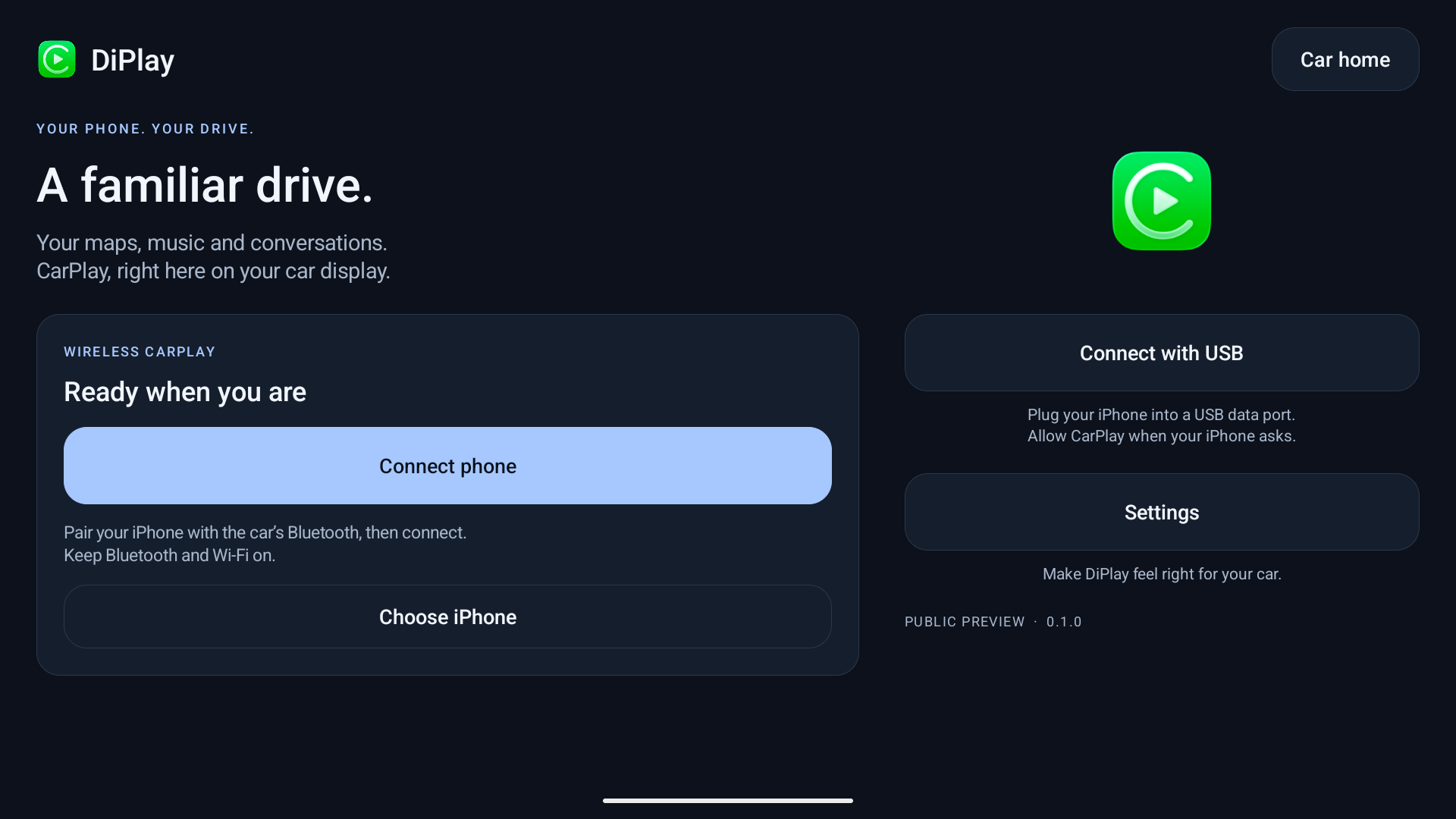
- While parked, download the APK and install it using the method supported by your head unit.
- Open DiPlay and allow the requested Bluetooth, Wi-Fi/location and microphone permissions.
- Turn on the car’s built-in hotspot (5 GHz if available). In Settings → Connection → Open connection setup, select Built-in car hotspot and save its exact name and password. Keep phone Wi-Fi and Bluetooth on, pair with the car, then tap Connect phone and accept the phone prompts.
- For wired use, connect a USB data cable and choose Connect with USB. Approve any USB, Trust or local VPN prompts.
ADB is not required for everyday use. APK installation options depend on the car. No manual MAC address entry.
Installation & connection help ↗New in 0.2.21
- Music plays in step with the iPhone again: on 0.2.20, pause and skip could come seconds late.
- Wired CarPlay retries by itself when the iPhone never opens CarPlay, and no longer waits forever after Disconnect.
- DiPlay no longer closes when the microphone is used on older head units, and music comes back after a call.
- On BYD head units, the dashboard is handed back to the car when CarPlay ends, and DiPlay no longer closes when opened from the DiYou desktop card.
- DiPlay installs on Android 7.0 and is available in Italian.
- New options, off by default: temporary system bars, black rounded corners, a play/pause wheel key, double press for Siri, a home-screen bubble and the car's own music rhythm. Test optional features while parked.
Added in DiPlay CN
- Custom dashboard turn card: 1% placement sliders, size and opacity, day/night glass, trip info strip; kept across drops, cleared at the destination.
- Small-window navi with Off/On/Auto: Auto follows the wheel Small/Full screen navi mode over ADB, Usage Access as fallback.
- In-app updates with four channels: Gitee (default), GitHub and two GitHub mirrors.
- Optional delayed pause of the car Bluetooth during CarPlay; boot auto-start ADB repair; open DiPlay when the selected iPhone reconnects.
- Simplified Chinese fallback on unsupported head-unit languages; stable signing key so updates overlay-install and keep settings.
Before you try it
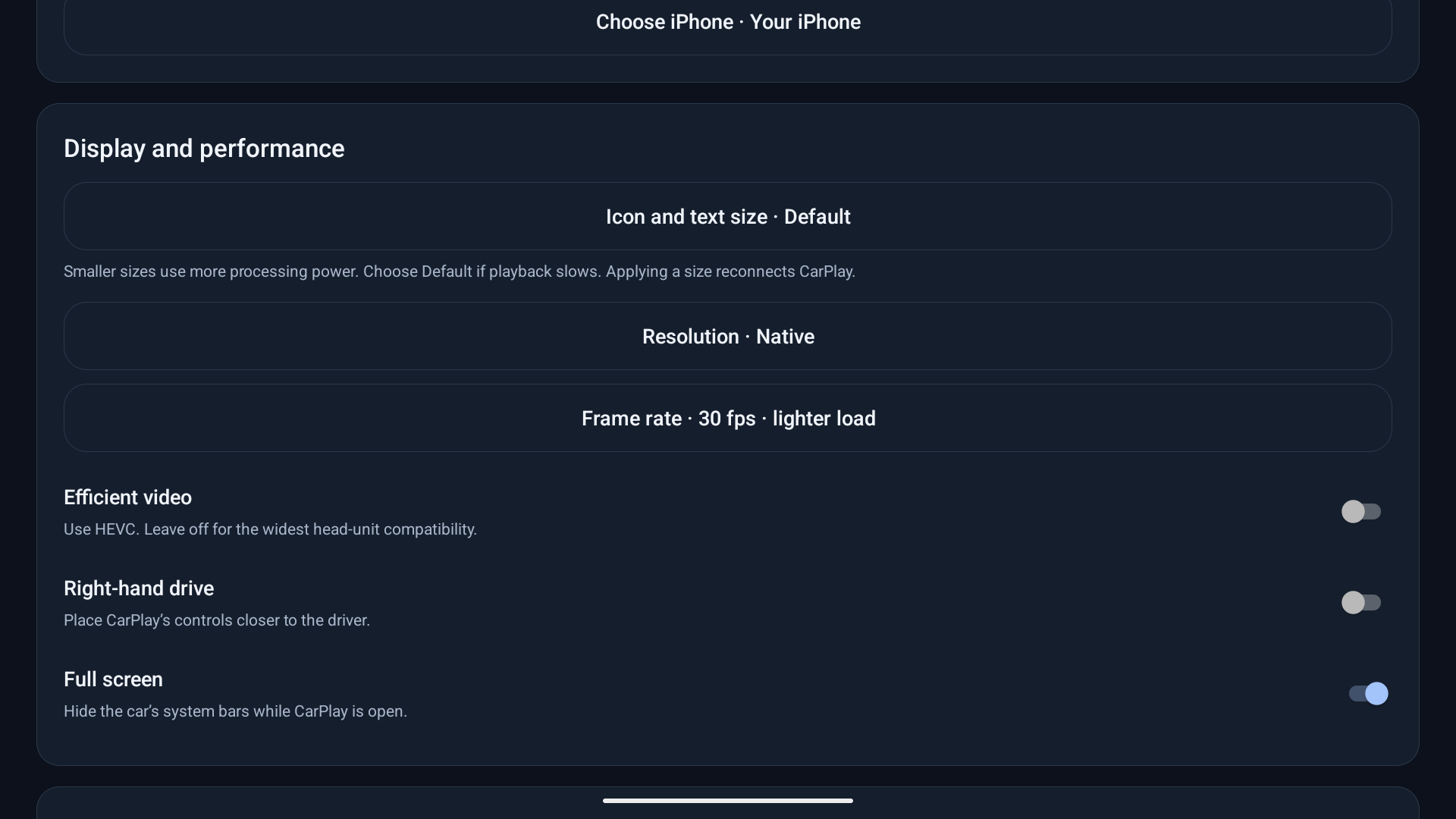
A public preview, not an Apple-certified product. Authentication uses an experimental accessory identity recovered from public firmware; future acceptance is not guaranteed. Some head units still show stuttering or ignore icon-size changes. Start with 30 fps and HEVC off; try a lower resolution if needed.
Get release updates
News and new builds on Telegram.
Updates & signing
Install over the previous public release to retain settings; the public signing key is unchanged. Test builds use a separate app package.
DiPlay CN APKs are signed with one stable key since 0.2.10-cn.4: install over the previous CN build to keep settings. About → Check for updates downloads and installs the next CN build in place (first use asks once for the install-unknown-apps permission).
Please send fresh reports from 0.2.21
1. Update to 0.2.21, reproduce the issue and note the failure time. 2. Open Settings → Diagnostics → Save diagnostic report. Android 10+ normally saves to Downloads/DiPlay; Android 7.0–9 asks for storage access and saves there too. If storage or the picker is unavailable, follow the fallback confirmation and use View/Share. 3. Review the TXT and remove passwords and private details. Reports are not uploaded automatically. 4. Attach it to your existing issue: https://github.com/shihabal3amri/DiPlay/issues Or create a new one: https://github.com/shihabal3amri/DiPlay/issues/new/choose Include vehicle/head-unit model, DiLink/Android/firmware, iPhone/iOS, connection type, authentication backend (Local or USB/CH341), relevant settings, reproduction steps, expected/actual result and failure time.
Report an issue ↗ · Create a new issue ↗